Thursday, 24 July 2014

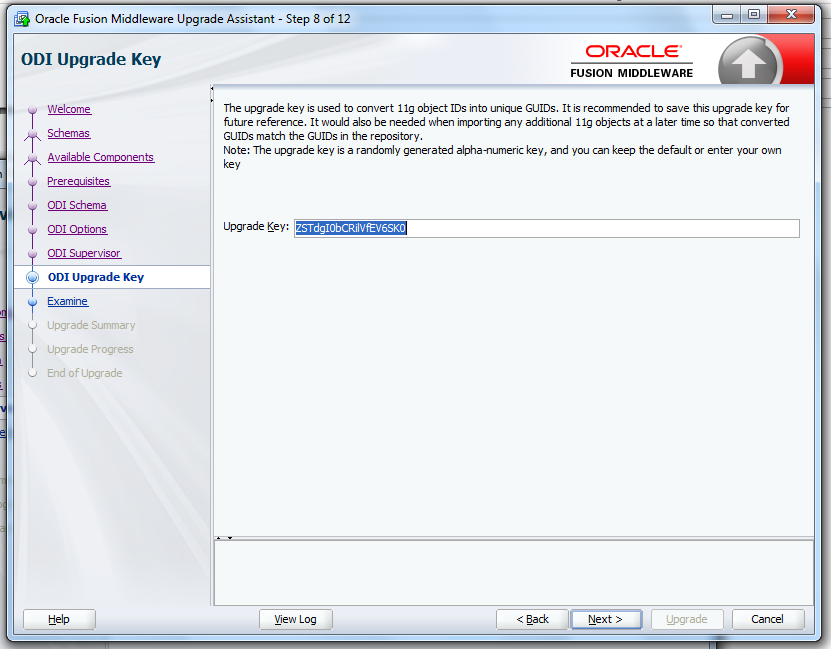
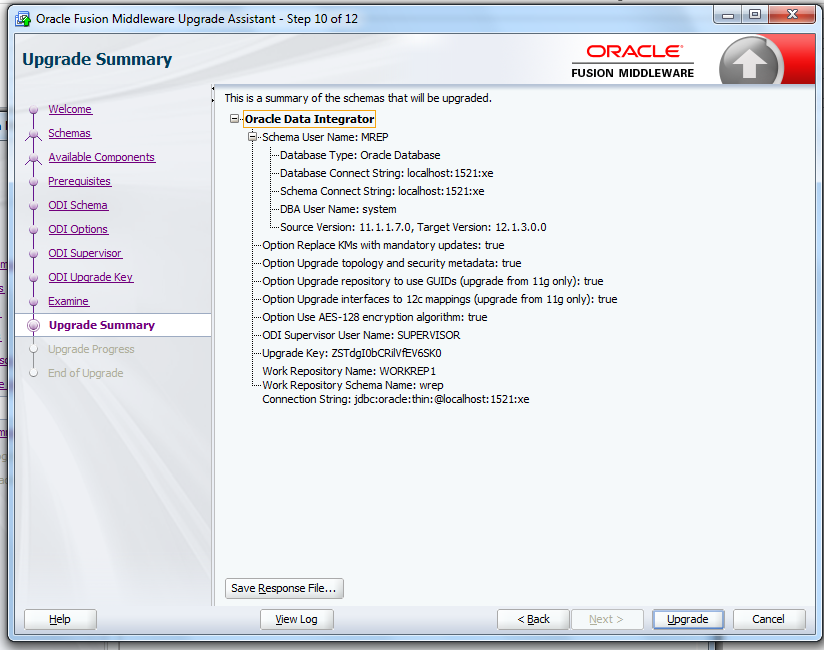
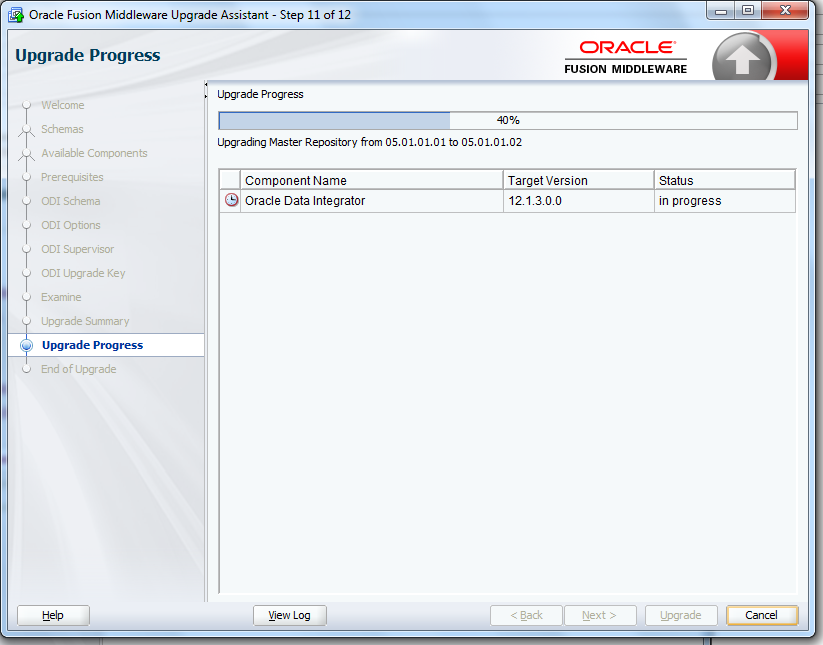
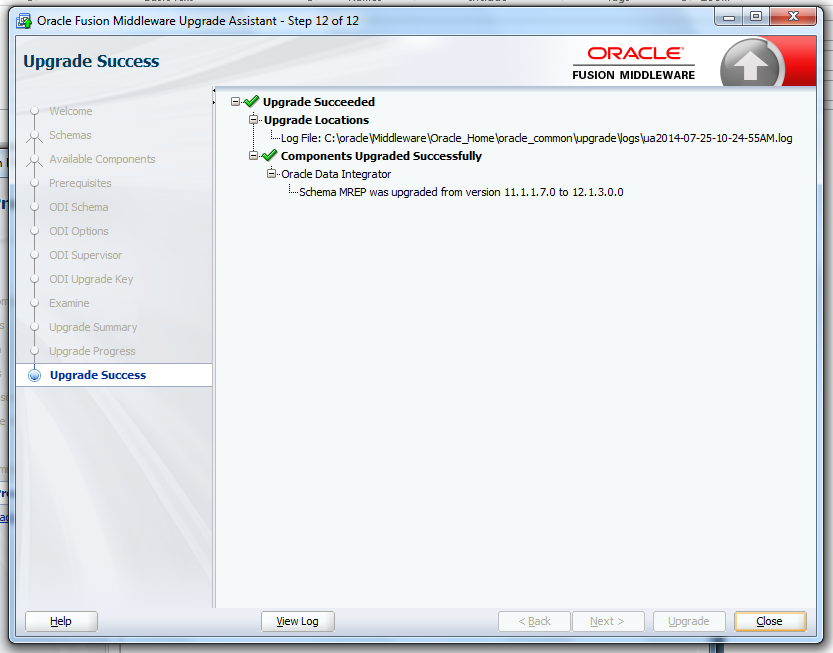
ODI Upgrading from 11g 11.1.1.7 To ODI 12c 12.1.3 Using the Upgrade Assistant

ODI Upgrading from 11g 11.1.1.7 To ODI 12c 12.1.3  Using the Upgrade Assistant


11G 11.1.1.7 Repository Version:   04.03.04.02
12c 12.1.3 Repository Version:  05.01.02.02

After upgrading from 11.1.1.7 to 12.1.3  your Repository version will be 05.01.02.02.

Note:  All Yellow interfaces from 11g it  will be converted into Reusable mapping in 12C.


Goto=>ODI 12C  MIDDLEWARE Home location

Example for Windows ODI 12c Path.

C:\oracle\Middleware\Oracle_Home\oracle_common\upgrade\bin

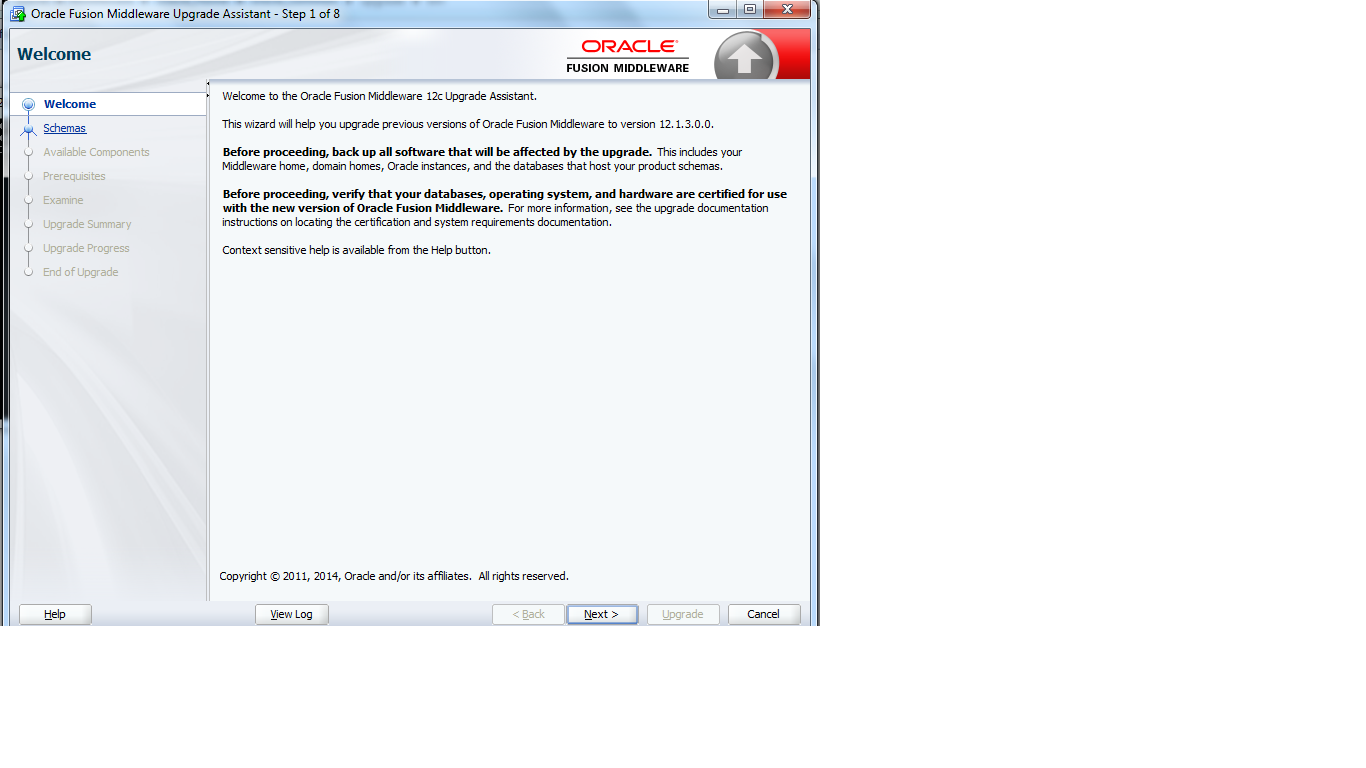
Launch ua.batch file for windows and ua.sh for UNIX or LINUX


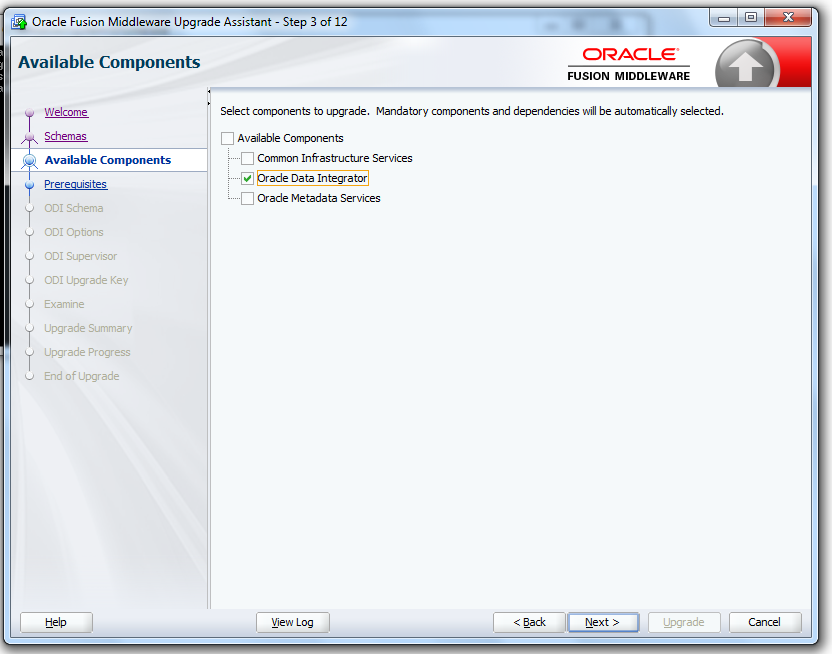
1)      Schema:  This option only for Repository Migration.
2)      Standalone System Components Configuration:  This option for WebLogic domain components up gradation like J2EE Agent & ODI Console
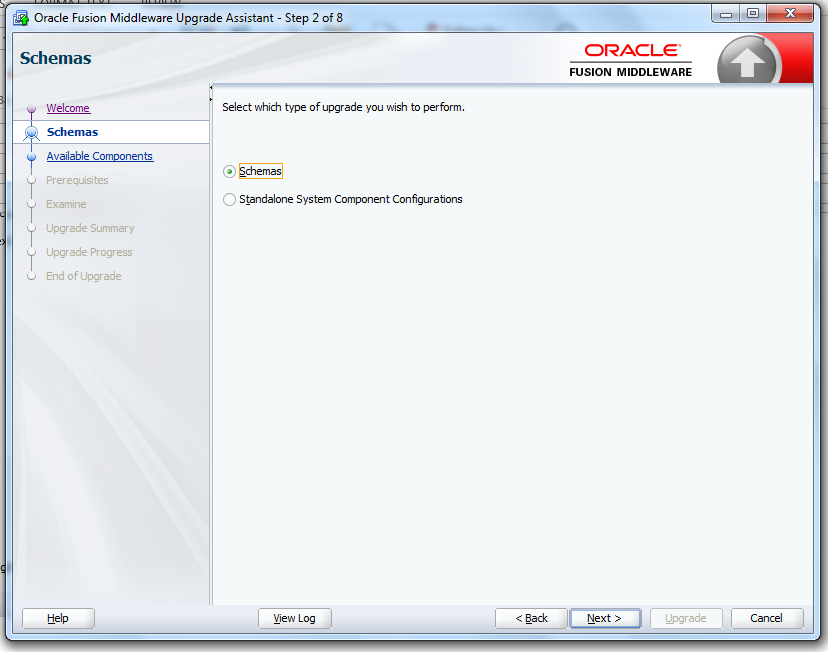
components


Wednesday, 23 July 2014

ODI-26163: Access Denied


ODI-26163: Access Denied


 A connection to the repository could not be established because of insufficient user privilege.
Solution: Ensure the ODI user has sufficient privilege to connect to the specified repository.

ODI-26168: Client requires a repository with version 0 but the repository version found is 1

ODI-26168: Client requires a repository with version {0} but the repository version found is {1}


It is an issue with Repository Version miss-match between two work repositories.

Please check your Repository version.

ODI-26170: JDBC url is mandatory.

ODI-26170: JDBC url is mandatory.


JDBC Url was missing in Topology=>Physical Data Server.

Please goto your Physical technologies=>Data Server=> JDBC Tab=> Provide JDBC User details like  HOST :  PORT NO :  SID (Service Name)

ODI-26174: Database connection is not available.

ODI-26174: Database connection is not available.


It is an issue with Source / Target Database was Down or Not available.  Check your Database
Connection and TNS Details.

ODI-26177: ODI-26177: Unable to connect to the DBA user.

ODI-26177: ODI-26177: Unable to connect to the DBA user.


Check Your DBA Privileged user Credentials.  It is common error for Invalid User name and Password.

ODI-26179: ODI-26179: Invalid Date Format

ODI-26179: ODI-26179: Invalid Date Format


Invalid Date Format In Filter Condition or Mappings.

Solution:

Check your Filter/Mapping expression Datatype and if it is not DATE data type using convert function to convert DATE.